Inspect
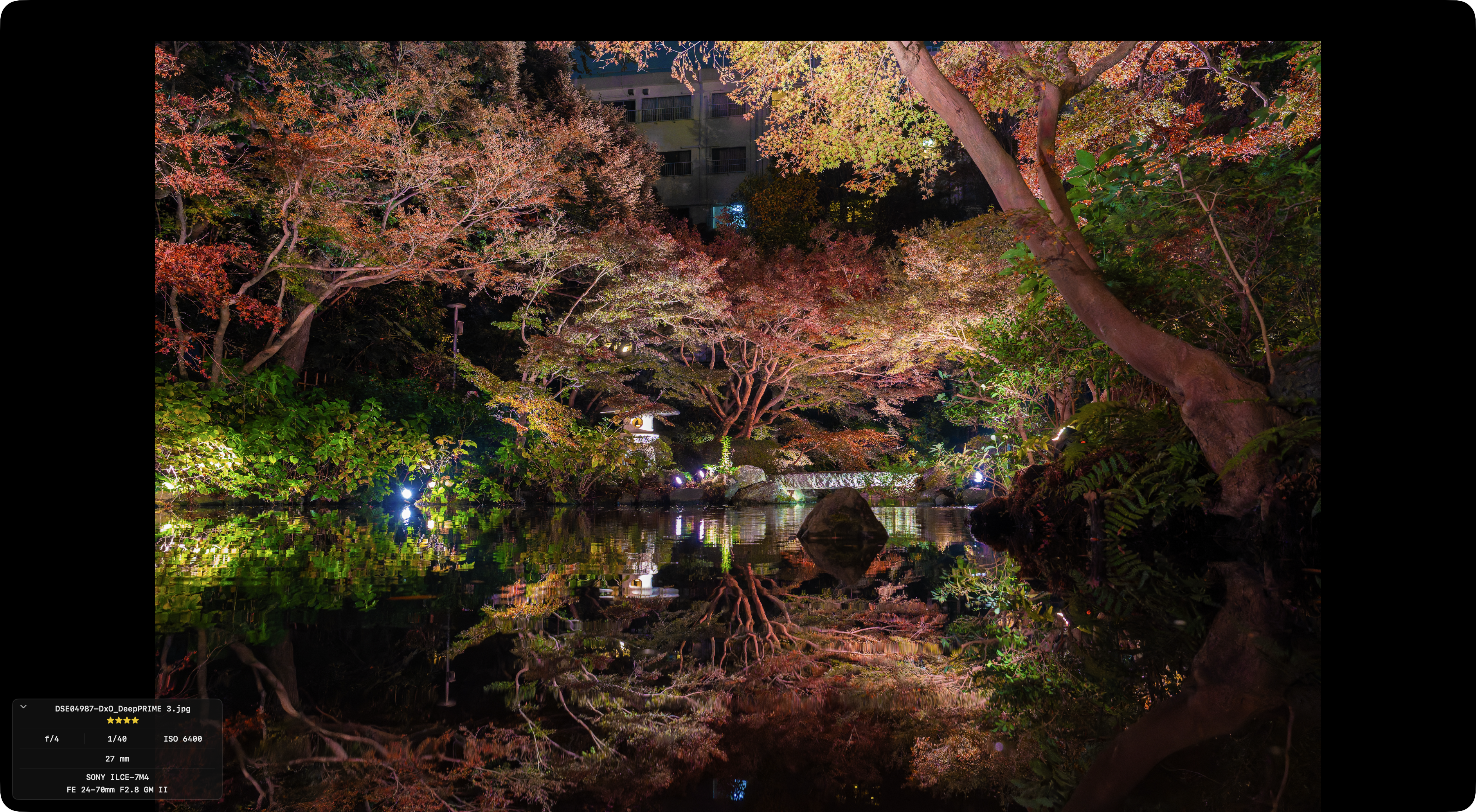
Press Space to open the selected photo at full resolution.
Controls
| Key | Action |
|---|---|
Space | Open / close viewer |
← / → | Previous / next photo |
Tab | Switch between camera JPEG, RAW, and developed |
0–5 | Star rating |
Esc | Close viewer |
i | Show / hide detail overlay |
Detail overlay
Shooting information appears in the bottom-left of the viewer.
Moving the cursor to the top-right of the screen reveals the [i] button, which can also be clicked to toggle the overlay.
- Aperture (f-number)
- Shutter speed
- ISO
- Focal length
- Camera model