Rating propagation
When you rate a grouped photo, the rating propagates to every photo in the group.
Default behavior
Rating the representative shot of a group in the thumbnail grid writes the same star rating and color label to all shots in that group. This is the default behavior — designed to simplify the common workflow of accepting or rejecting a burst or bracket sequence as a whole.
Individual adjustments
After a group-wide rating, you can override the rating for individual shots from the metadata bar.
- Select the representative shot of the group.
- The metadata bar shows a list of all shots in the group.
- Select the shot you want to change in the metadata bar and apply a new rating.
Ratings applied from the metadata bar are written only to the selected shot and do not affect other shots in the group.
Customizing propagation
You can change cross-type propagation behavior in the Rating Propagation section of Settings.
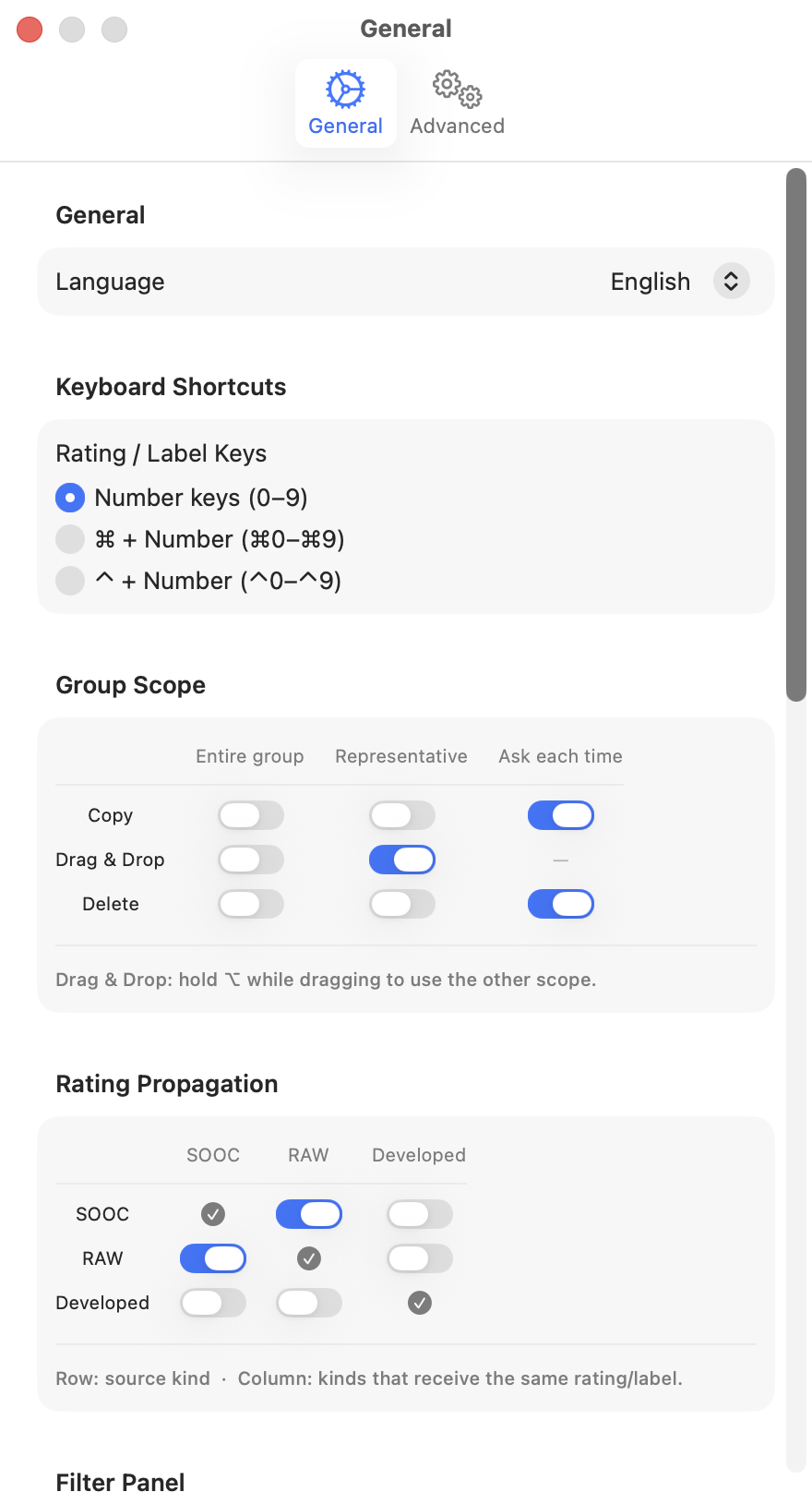
Each row is the source type you rated; each column is a type that receives the same rating. Checkmarks are fixed (a type always writes to itself); toggles let you enable or disable propagation between different types.
When propagation happens
Propagation is written immediately when you apply the rating. To undo, press ⌘Z.
Where XMP is written
The write destination for each shot in the group follows the same rules as regular ratings.
| File type | Saved to |
|---|---|
RAW (.arw, .cr3, etc.) | Sidecar .xmp file with the same stem name |
| JPEG | Embedded directly in the file |